

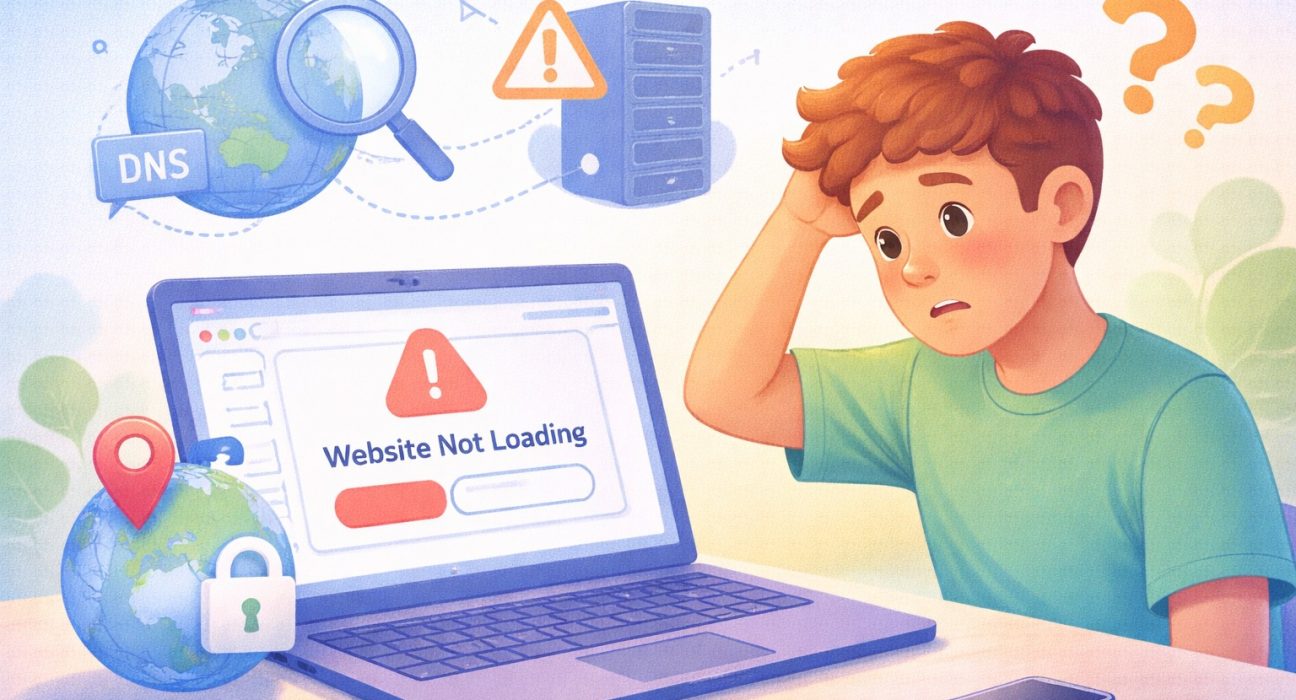
Why your internet works but some websites don’t load can feel like a strange mystery.
You’re connected to Wi-Fi. Videos stream on one app. Messages send without delay. But when you open a certain website, it just spins… and spins… and nothing appears. You refresh. Still nothing. Now you’re confused.
If your internet works, shouldn’t everything work? Not always.
In most cases, the issue is not your entire internet connection. It’s usually something specific, like a DNS setting, a server problem, a regional block, or even the difference between an app and a browser.
In this guide, we’ll walk through these possibilities step by step. By the end, you’ll understand what’s happening—and what to try next.
Let’s begin with one of the most common causes: DNS.
What Is DNS, and Why Does It Matter?
DNS stands for Domain Name System, but don’t worry about the technical name. Think of DNS as a translator.
When you type a website name like:
example.com
Your device doesn’t actually understand that name. It understands numbers. DNS translates the website name into a number address that computers use.
If DNS fails, the website can’t be found—even if your internet connection is fine.
That’s why:
- Some websites won’t open
- Others load normally
- Apps may still work
DNS problems usually affect specific websites, not your whole connection.
Now that we understand DNS, let’s look at another common reason: server issues.


Sometimes the Website’s Server Is the Problem
The website might be down, not your internet
Every website lives on a server. A server is just a powerful computer that stores and sends website content.
If that server:
- Crashes
- Overloads with traffic
- Undergoes maintenance
- Experiences technical failure
Then the site won’t load, no matter how good your internet is.
This is similar to calling a store that has closed for the day. Your phone works fine. The store just isn’t answering.
When only one specific website fails while others load quickly, the problem may be on their side.
From here, let’s explore another possibility: regional blocks.
Regional Blocks: When Location Affects Access
Some websites restrict access by country. Not every website is available everywhere.
Some sites block users based on:
- Country
- Region
- Local regulations
- Licensing agreements
For example:
- A streaming site may work in one country but not another.
- News site might limit access in certain regions.
- Some service may temporarily restrict traffic from specific locations.
If your internet works but a website shows an error message about availability, regional blocking could be the reason.
This does not mean your connection is broken. It simply means access rules differ by location.
Next, let’s look at a situation that surprises many beginners: app vs browser behavior.
Why an App Works but the Website Doesn’t (Or Vice Versa)
Apps and browsers use different paths. You might notice:
- The website doesn’t load in your browser.
- But the app version works perfectly.
Or the opposite.
This happens because apps and browsers don’t always use the same system settings.
For example:
- Apps may use built-in servers.
- Browsers rely heavily on DNS settings.
- Apps may cache old data.
- Browsers may block content for security reasons.
So even though both use the internet, they may behave differently.
Understanding this helps you troubleshoot calmly instead of assuming your entire connection is failing.
Now let’s talk about simple steps you can take.
Why You Should Restart Your Phone More Often
Step-by-Step: What to Do When a Website Won’t Load
Step 1: Try Another Website
If other sites load normally, your internet is likely fine.
This helps narrow the issue quickly.
Step 2: Refresh or Restart
Close the browser tab.
Open it again.
Restart your browser.
If needed, restart your device.
Restarting clears temporary errors.
Step 3: Check If the Website Is Down for Everyone
Search:
“Is [website name] down?”
If many users report issues, it’s likely a server problem.
Step 4: Switch Between Wi-Fi and Mobile Data
If the website loads on mobile data but not Wi-Fi, your DNS or router may need attention.
Step 5: Clear Browser Cache
Browsers store temporary files. Clearing them often fixes loading problems.
This process varies slightly by browser, but it’s usually under “Settings” → “Privacy” → “Clear browsing data.”
These steps solve many common cases without technical knowledge.
How Data and Privacy Issues Connect to Website Problems
Sometimes websites become unavailable due to:
- Cyberattacks
- Data breaches
- Server overload after incidents
Reports from organizations such as the Federal Trade Commission (FTC), along with coverage by The Guardian and The Wall Street Journal, have highlighted how website outages sometimes follow security incidents.
While not every outage is caused by a breach, these events can temporarily disrupt access.
This is another reminder that the issue may not be on your device at all.
Common Questions
1. Does this mean my internet provider is bad?
Not necessarily. Often the issue is site-specific.
2. Why do social media apps work but some websites don’t?
Apps may use different connection paths or cached data.
3. Is changing DNS safe?
It can be, but beginners should research carefully before adjusting settings.
4. Why does restarting fix many problems?
It clears temporary errors and resets connections.
5. Can a virus cause websites not to load?
It’s possible but less common than server or DNS issues.
Conclusion
When your internet works but some websites don’t load, the problem usually isn’t your entire connection. It may involve DNS translation, a website server issue, regional restrictions, or differences between apps and browsers.
Understanding these factors makes troubleshooting calmer and more logical. Instead of assuming something is broken, you can take simple steps and narrow the cause.
Now that you understand why your internet works but some websites don’t load, the next step is learning how small digital settings quietly affect your everyday online experience.